Your on-page AI assistant
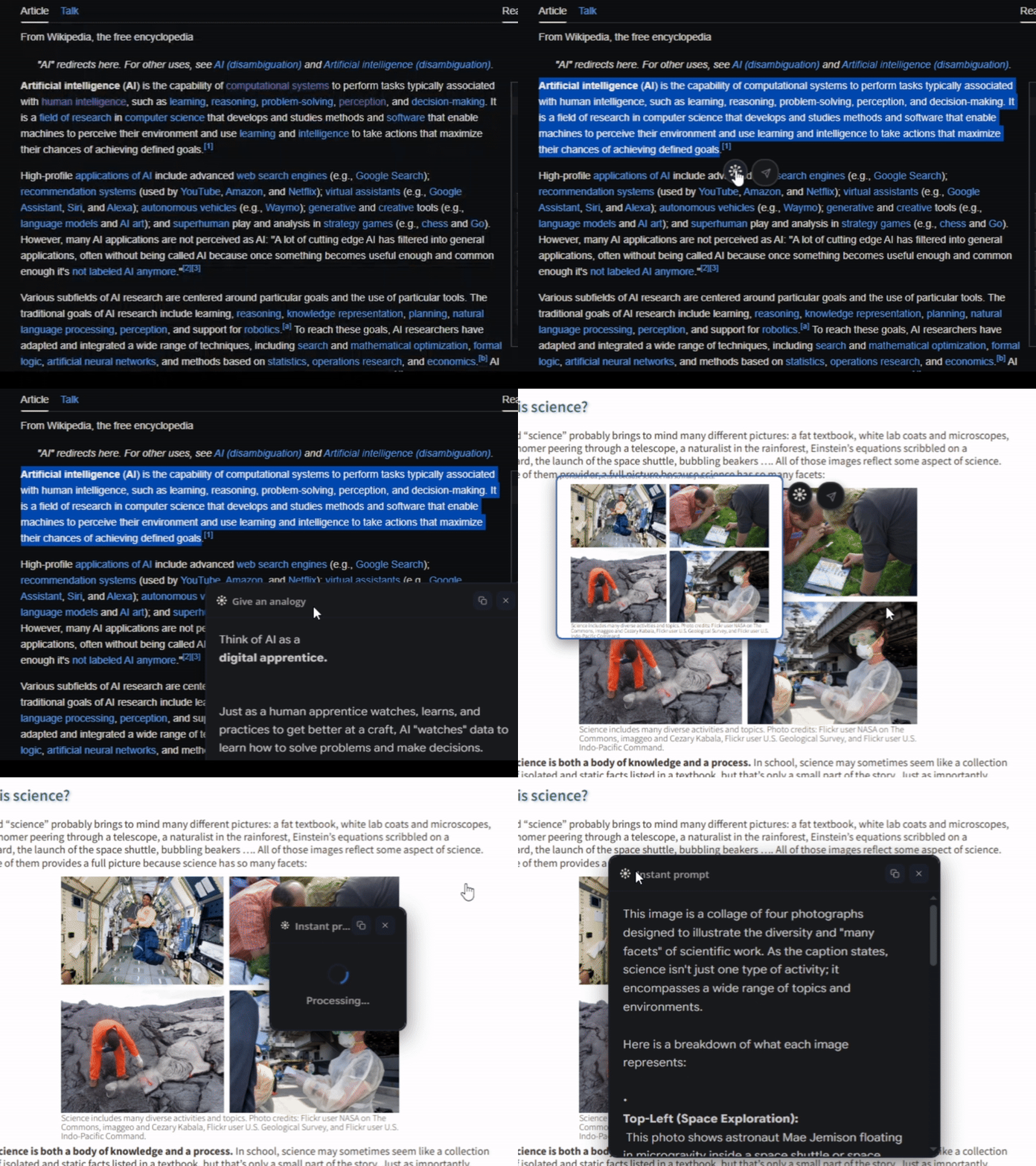
No more manually copying and pasting text into chatbots or switching tabs. Get instant AI responses on the webpage you are on — for text, images, and screenshots.
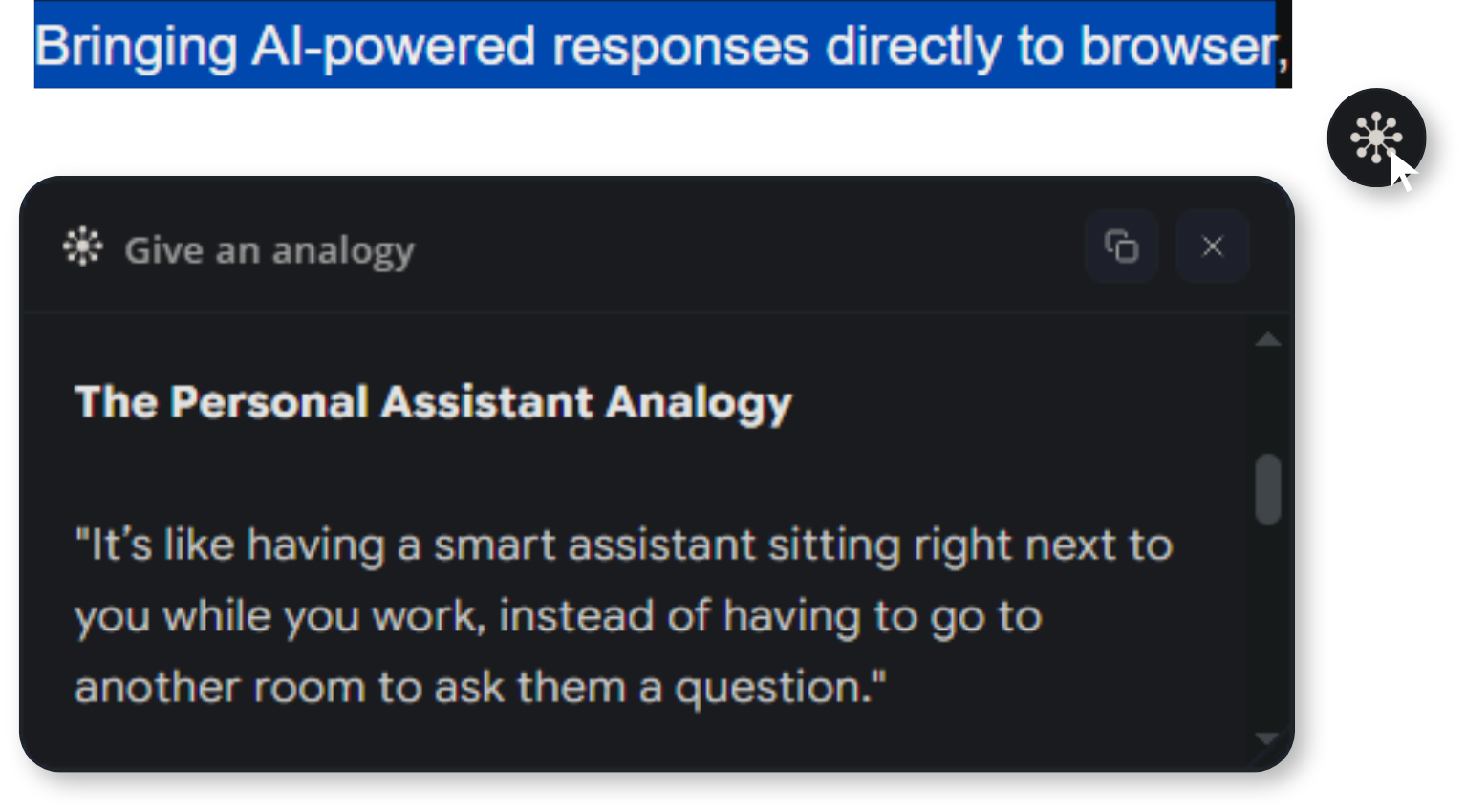
No more manually copying and pasting text into chatbots or switching tabs. Get instant AI responses on the webpage you are on — for text, images, and screenshots.
Text, images, screenshots — answered instantly, right where you are.
Use the built-in prompt field to type any question or instruction — without picking from a list.
Select text, images, or capture a screenshot — then let AI process it instantly. Summarize, translate, explain, or analyze anything.
Create and save custom prompts for easy access. Organize them by category for your workflow and beyond.
Pin your favorite prompts to the right-click menu for even faster access. No need to open the popup.
Control the creativity of responses — from precise and factual to experimental and creative.
Set the AI thinking level from minimal to high. Each prompt remembers its own AI settings.
No more copying and pasting into chatbots or switching tabs.
Highlight text, click an image, or capture a screenshot on any webpage. Quiro appears right where you are.
Type any question, pick from your saved prompts, or use pinned favorites from the right-click menu.
Summarize articles, explain jargon, translate text, identify images, create study notes — all without leaving the page.
Get AI responses in seconds, powered by Google Gemini 3.7 Flash.
No API keys exposed. All processing happens server-side.
Use on any webpage.
Quiro is completely free to use with no limits. Add it to Chrome and start getting instant AI responses on any webpage.